
OKGames Guides Hub
Explore clear and practical information about using OKGames, including account setup, secure access, mobile installation, payment procedures, verification requirements, promotion conditions, platform features, and responsible use.
This guide center is designed to help both new and returning users understand important steps before completing an account, payment, or platform-related action.
Platform procedures, payment methods, app versions, promotion conditions, and verification requirements may change. Review the latest available information before proceeding.
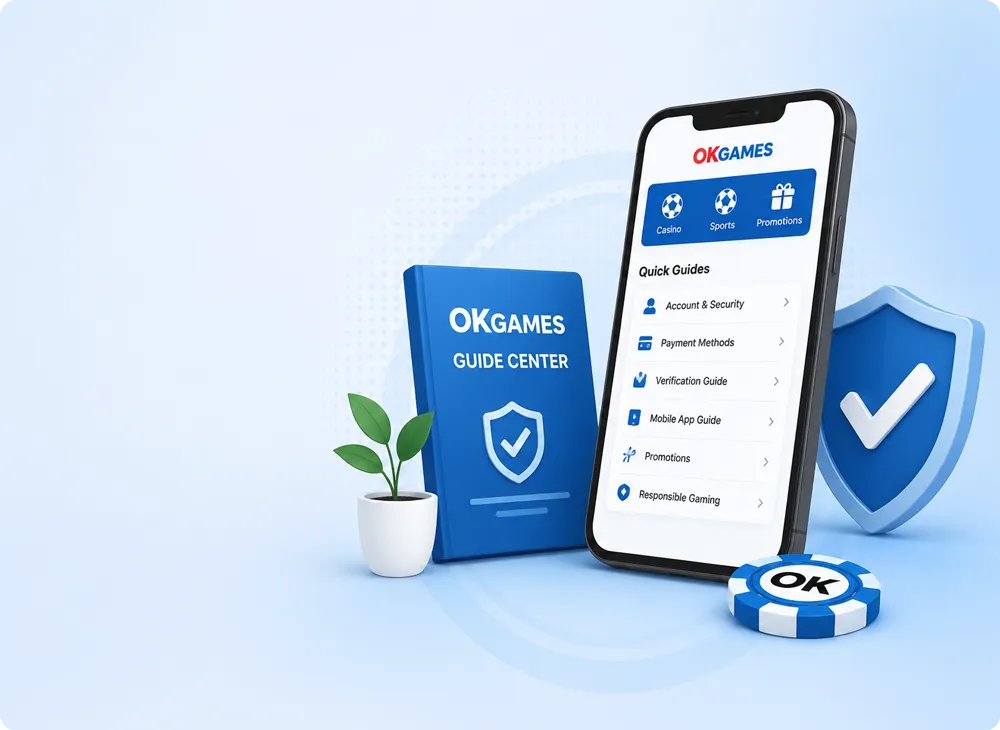
Everything You Need to Know Before Getting Started
The OKGames Guides Hub brings together practical information covering every major step of using the platform. Instead of searching through multiple pages, you can find registration guidance, login support, mobile installation information, payment explanations, promotion references, account security advice, and responsible-use recommendations in one place.
Whether you are visiting OKGames for the first time or returning to review specific procedures, these guides are designed to provide straightforward explanations that are easier to understand before making important account or payment decisions.
Account Guidance
Learn the basic registration process, login information, account recovery suggestions, and profile management recommendations.
Mobile App Information
Understand supported devices, installation guidance, updates, and helpful tips for accessing OKGames on mobile platforms.
Payment & Verification
Review payment methods, transaction basics, identity verification, and useful security recommendations before completing payments.
Promotions Explained
Learn how promotion categories work, understand common participation conditions, and review important promotional terms carefully.
Security Best Practices
Discover simple ways to improve account protection, safeguard personal information, and reduce common online security risks.
Responsible Platform Use
Explore practical suggestions for setting personal limits, managing your activity, and maintaining a balanced experience.
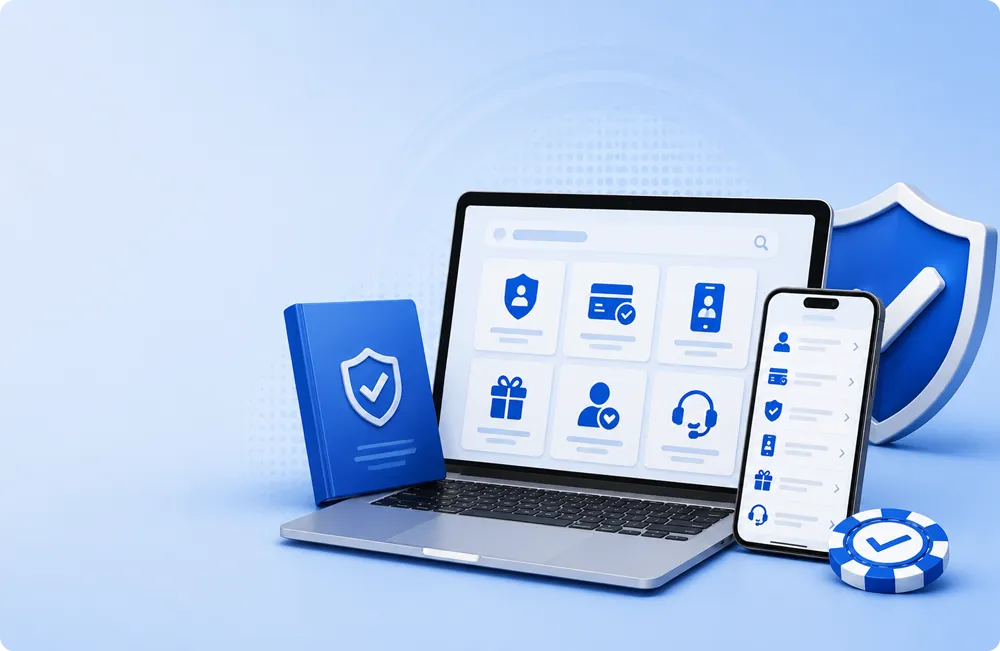
Practical Information
Every guide focuses on clear explanations instead of unnecessary technical language, making important platform information easier to understand.
Updated Guidance
Payment options, promotions, platform features, and verification procedures may change over time. Reviewing current information helps reduce confusion.
Learn Before You Continue
Understanding the available guides before registering, making payments, or joining promotions helps users make more informed decisions.
Explore Popular OKGames Guides
Choose the topic that matches the information you need. These dedicated pages cover account setup, secure access, mobile installation, payments, promotions, and available entertainment categories.
OKGames Register Guide
Review the account creation process, required details, password preparation, verification steps, and common registration issues.
View Register Guide
OKGames Login Guide
Learn how to access your account, protect login details, recover access, and resolve common sign-in problems.
View Login Guide
OKGames App Guide
Explore device compatibility, app installation, update procedures, permissions, and basic mobile security recommendations.
View App Guide
OKGames Payment Guide
Understand payment methods, transaction limits, processing information, verification, and safer payment practices.
View Payment Guide
OKGames Promotions Guide
Review promotion categories, eligibility, campaign periods, participation conditions, restrictions, and important terms.
View Promotions Guide
OKGames Games Guide
Browse available categories, platform features, mobile access information, selection tips, and responsible-use guidance.
View Games GuideChoose the guide that matches your current task
Review the relevant page before registering, installing an app, submitting payment information, participating in a promotion, or changing important account details.
A Simple Process for First-Time Users
Before using OKGames, take a few minutes to understand the platform, prepare accurate information, protect your account, and review the latest instructions. Following a clear process can help prevent common account and transaction problems.
Understand the Platform First
Review the available account, app, payment, promotion, and entertainment information before creating an account or completing any important action.
- Check the platform features you plan to use.
- Review device and browser requirements.
- Read current account and payment information.
Prepare Accurate Account Details
Use correct personal and contact information that you can access and verify. Inaccurate details may create problems with account recovery, verification, or transactions.
- Use an active mobile number or email address.
- Enter information carefully and consistently.
- Check all details before submitting a form.
Secure Your Account Access
Create a unique password and keep your login credentials, verification codes, payment details, and recovery information private.
- Avoid passwords used on other websites.
- Do not share one-time verification codes.
- Avoid signing in through unknown links.
Complete Required Checks
Some account functions or payment procedures may require identity, contact, or transaction verification. Follow current instructions and submit only accurate information.
- Use clear and valid information when requested.
- Confirm that account names match where required.
- Keep reference numbers and confirmation records.
Check Current Instructions
Platform features, payment methods, processing times, promotion conditions, and app versions may be updated. Always review the latest information before proceeding.
- Check transaction limits and processing times.
- Read promotion conditions before participating.
- Confirm installation and update information.
Set Personal Limits
Decide in advance how much time and money you can comfortably use. Maintain clear limits and take breaks when the experience is no longer comfortable.
- Set a realistic time limit.
- Use only money you can afford to spend.
- Never continue in an attempt to recover losses.
First-Time User Checklist
Complete these checks before moving forward.
I have reviewed the relevant platform information.
My personal and contact details are accurate.
I created a unique password and stored it securely.
I understand that verification may be required.
I will check current payment and promotion conditions.
I have set clear personal time and spending limits.
Do not continue when instructions are unclear
Pause before submitting account details, documents, or payment information when the instructions, recipient details, or verification request cannot be confirmed.
Build Safer Habits Around Your OKGames Account
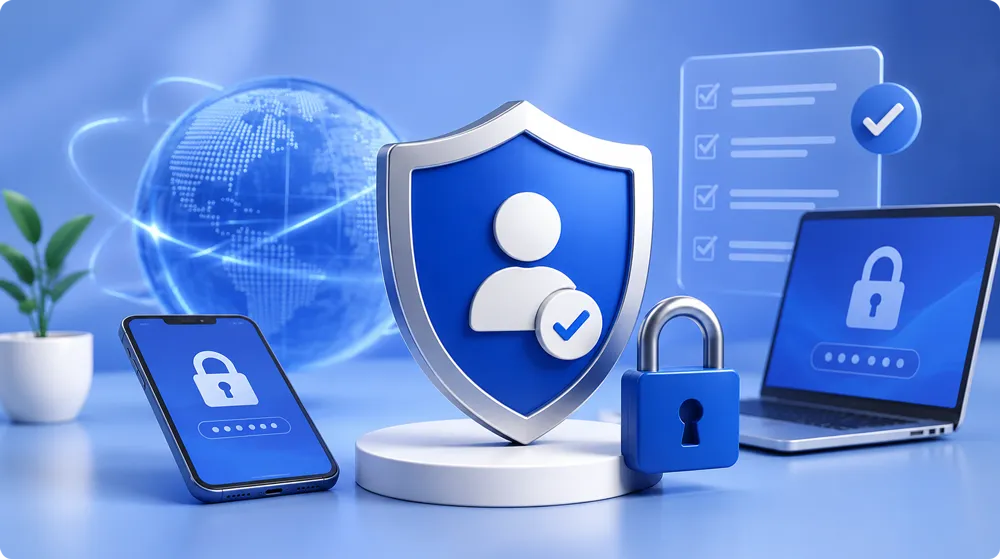
Account security depends on the way you create, access, and manage your profile. Using accurate information, protecting login credentials, and reviewing unusual activity can help reduce common account risks.
Security is not a one-time step. Review your account details regularly, keep your contact information updated, and avoid sharing sensitive information with another person.
Create a Unique Password
Use a password that is different from the ones used for email, social media, banking, or other online accounts.
Keep Contact Details Active
Maintain access to your registered mobile number or email so important notices and recovery instructions can reach you.
Avoid Unfamiliar Login Links
Do not enter account details on unknown pages, copied forms, shortened links, or messages sent by unverified contacts.
Protect Verification Codes
One-time codes, recovery codes, and security answers should remain private and should never be forwarded to another person.
Be Careful on Shared Devices
Avoid saving passwords in public browsers and always sign out after using a shared computer, phone, or tablet.
Review Account Activity
Check recent access, profile information, and transaction records regularly and investigate anything you do not recognise.
Warning Signs That Require Attention
Review the situation carefully when any of the following happens.
You receive a password-reset message that you did not request.
Your registered contact details or profile information change unexpectedly.
A person asks for your full password, verification code, or payment credentials.
You notice unfamiliar account access, transactions, or other activity.
Review These Account Protection Steps
Use this checklist whenever you update your account, change devices, or notice unusual activity.
- Confirm that your registered mobile number and email remain active.
- Change your password when you suspect that another person may know it.
- Remove saved login details from devices you no longer use.
- Review account activity after using a public network or shared device.
- Keep screenshots or reference details when reporting an account issue.
- Do not approve account changes that you did not request.
Never reveal your complete password
Passwords, verification codes, recovery information, and payment credentials should remain private. Pause and review the request when another person asks for sensitive account information.
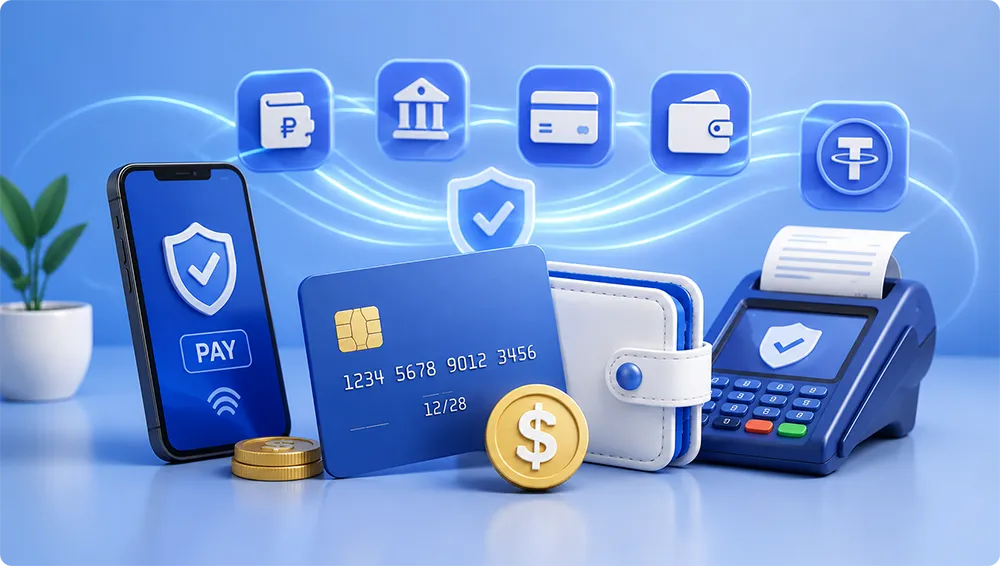
Check Every Detail Before Completing a Transaction
Payment methods, transaction limits, processing times, recipient details, and verification procedures may vary. Review the latest instructions before submitting payment information or confirming a transfer.
Keeping transaction records and using matching account information can make it easier to review a payment when a delay, verification request, or account issue occurs.
Confirm the Payment Method
Check whether the selected method is currently available and suitable for your transaction.
Review Transaction Limits
Confirm minimum and maximum amounts before entering a payment or withdrawal request.
Match Account Information
Use consistent names and verified details where the payment or account procedure requires them.
Keep Transaction Records
Save receipts, reference numbers, timestamps, confirmation pages, and relevant screenshots.
A Safer Way to Review a Payment
Follow a consistent process before, during, and after each transaction.
Check Current Instructions
Review the latest payment page, method availability, limits, processing information, and account requirements.
Verify Recipient Details
Carefully confirm account names, numbers, wallet details, or other payment information before proceeding.
Confirm the Amount
Check the amount, transaction fees, limits, and any additional instructions before final confirmation.
Save the Confirmation
Keep the transaction reference, receipt, date, time, and confirmation details until processing is complete.
Allow Processing Time
Processing may vary by method, account status, verification requirements, and service availability.
Review Unresolved Issues
Use your saved records when checking a delayed, rejected, duplicated, or unfamiliar transaction.
Why Verification May Be Required
Verification can help confirm account ownership, protect personal information, support transaction reviews, and reduce unauthorised account activity. Requirements may depend on account status, transaction type, payment method, or current platform procedures.
Identity Information
The account may require accurate personal details that match the information submitted during registration.
Contact Verification
Access to the registered mobile number or email may be needed to confirm account ownership.
Payment Ownership
Some payment checks may require matching account names, transaction records, or proof of payment.
Security Review
Additional checks may be requested when unusual access, account changes, or transaction activity is detected.
Payment Checklist
Complete these checks before confirming a transaction.
The payment method and instructions are current.
The transaction amount is within the allowed limits.
The recipient and account information are correct.
My registered details match where required.
I understand the expected processing time.
I have saved the receipt or transaction reference.
Stop when payment details cannot be confirmed
Do not send funds, submit documents, or reveal payment credentials when the recipient, instructions, or verification request appears unfamiliar or inconsistent.
Keep Your OKGames Activity Clear, Balanced, and Controlled
A responsible approach starts before you use the platform. Setting personal limits, understanding your available budget, managing your time, and reviewing your activity regularly can help you maintain better control over the overall experience.
Entertainment should remain optional and manageable. It should not interfere with household expenses, work, studies, health, relationships, or other important responsibilities.
Set a Time Limit
Decide how long you plan to use the platform before starting. Use an alarm or timer and stop when the planned session ends.
- Avoid long, uninterrupted sessions.
- Take regular breaks away from the screen.
- Do not allow platform use to affect sleep.
Use a Clear Budget
Set a fixed amount that you can comfortably afford after essential expenses have already been covered.
- Do not use rent, food, transport, or bill money.
- Avoid borrowing money for platform activity.
- Stop once the planned budget has been reached.
Review Your Activity
Check your transaction history, time spent, and overall activity regularly instead of relying only on memory.
- Keep personal records when necessary.
- Look for unexpected increases in activity.
- Adjust your limits when control becomes difficult.
Make Decisions Calmly
Avoid using the platform when you feel angry, stressed, tired, upset, pressured, or affected by alcohol.
- Pause when emotions begin affecting decisions.
- Do not make rushed payment choices.
- Return only when you feel calm and focused.
Never Chase Losses
Continuing in an attempt to recover previous losses can quickly increase both financial and emotional pressure.
- Treat every result as final.
- Do not increase your budget after a loss.
- Take a break instead of continuing immediately.
Keep a Balanced Routine
Platform use should remain one small part of a wider and healthy routine that includes offline activities.
- Maintain work, study, and family priorities.
- Continue hobbies and social activities.
- Take longer breaks when balance becomes difficult.
Use the Pause, Review, Decide Method
This simple three-step method can help you make clearer decisions before continuing an activity or transaction.
Pause
Stop for a moment before continuing, making another payment, joining a promotion, or extending your planned session.
Review
Check your current time, budget, activity history, emotional state, and the latest platform information.
Decide
Continue only when the action remains within your original limits and you feel comfortable with the decision.
Warning Signs That It May Be Time to Stop
Take a break and review your situation when one or more of these signs appear.
You are spending more time or money than originally planned.
You are continuing mainly to recover previous losses.
Platform activity is affecting sleep, work, studies, or relationships.
You are hiding your activity or transaction history from people close to you.
You feel anxious, angry, frustrated, or unable to stop.
You are borrowing money or using funds needed for essential expenses.
Personal Limits Checklist
Review these points before starting a new session.
I have decided how much time I will spend.
I have set a fixed and affordable budget.
My essential expenses have already been covered.
I am calm, focused, and not under pressure.
I will not extend my limits to recover losses.
I am prepared to stop when the session is no longer comfortable.
Stop when platform use no longer feels manageable
Take a longer break and seek support from someone you trust when you find it difficult to follow your limits, manage your spending, or stop using the platform.
Important OKGames Reminders at a Glance
Use these quick-reference cards when reviewing account, security, app, payment, verification, promotion, and responsible-use information. They are designed as short reminders rather than links to additional pages.
Account Information
- Use accurate personal and contact details.
- Keep access to the registered mobile number or email.
- Review all information before submitting a form.
- Update outdated contact details when necessary.
Secure Account Access
- Use a unique password for your OKGames account.
- Avoid unknown links and copied login pages.
- Do not share passwords or one-time codes.
- Sign out after using a shared device.
Installation & Updates
- Confirm device compatibility before installation.
- Review requested permissions carefully.
- Use the latest available app version.
- Remove unfamiliar or duplicated installation files.
Transaction Checks
- Confirm payment method availability and limits.
- Check recipient information before sending funds.
- Save receipts, timestamps, and reference numbers.
- Allow the stated processing time before reporting.
Identity & Ownership Checks
- Submit only accurate and current information.
- Ensure names match where required.
- Use clear documents when a valid review is requested.
- Do not send documents through unknown contacts.
Campaign Conditions
- Check eligibility before participating.
- Review the campaign period and requirements.
- Understand restrictions and completion conditions.
- Keep a copy of the current promotion information.
Unusual Activity
- Review unexpected password-reset messages.
- Check unfamiliar access or transactions immediately.
- Change your password when compromise is suspected.
- Keep evidence when reporting an account issue.
Personal Control
- Set time and spending limits before starting.
- Use only money you can comfortably afford.
- Never continue mainly to recover losses.
- Take a break when the experience becomes stressful.
Complete This Final Review
Use the following questions before completing an important account, payment, verification, promotion, or platform action.
Am I using the correct and current platform information?
Have I checked all names, amounts, numbers, and account details?
Do I understand the conditions, limits, and expected processing time?
Have I protected my password, verification codes, and private information?
Is this action within my personal time and spending limits?
Am I comfortable continuing without pressure or uncertainty?
Review current information before every important action
Account procedures, app versions, payment options, verification requirements, transaction limits, and promotion conditions may change. Use the latest available instructions instead of relying only on older screenshots or saved messages.
Common Questions About Using OKGames
Find quick explanations covering account setup, login access, mobile installation, payments, verification, promotions, security, and responsible platform use.
What information should I prepare before creating an OKGames account?
Prepare accurate personal and contact information that you can access and verify. This may include your name, active mobile number, email address, and a secure password. Enter all details carefully and keep them consistent, especially when account verification or payment ownership checks may be required later.
Before submitting the registration form, review the spelling of your information and confirm that your mobile number or email is active. Avoid creating multiple accounts or using details that belong to another person.
What should I do when I cannot access my OKGames account?
Start by checking your username, registered mobile number or email, password, internet connection, and browser. Make sure there are no extra spaces or typing errors. You can also refresh the page, clear outdated browser data, or try a supported browser or device.
When the password is no longer available, use the current recovery process and follow the verification instructions. Do not request help through unknown messages or provide your full password or one-time security code to another person.
How can I install or update the OKGames mobile app safely?
Review the current mobile guide before downloading or installing anything. Confirm device compatibility, storage availability, operating-system requirements, installation instructions, and the latest available app version.
Avoid files shared through unfamiliar websites, shortened links, copied pages, or unknown contacts. Review requested permissions before installation and remove duplicate or outdated installation files. When an update is required, follow the latest platform instructions instead of relying on an old saved file.
Which details should I check before completing a payment?
Confirm that the payment method is currently available and review the minimum amount, maximum amount, processing time, possible fees, recipient details, and any account-verification requirements. Check every number carefully before confirming the transaction.
Save the receipt, transaction reference, date, time, amount, and relevant screenshots until processing is complete. Do not send money when the recipient information or instructions appear unfamiliar, inconsistent, or cannot be confirmed.
Why may OKGames request account verification?
Verification may be used to confirm account ownership, review contact information, protect payment activity, support account recovery, or investigate unusual access. The exact requirements may depend on the account status, transaction type, payment method, or current security procedure.
Submit only accurate and current information through the appropriate process. Ensure names and account details match where required. Never send identification documents, payment credentials, passwords, or security codes through an unknown contact or unverified page.
What should I review before joining an OKGames promotion?
Read the current promotion information before participating. Check eligibility, campaign dates, qualifying actions, minimum requirements, completion conditions, restrictions, excluded activities, maximum benefits, and any expiry rules.
Promotion availability and conditions may change, so older screenshots or saved messages may no longer be accurate. Keep a copy of the relevant terms and avoid participating when the requirements are unclear or outside your personal budget and activity limits.
How can I improve the security of my OKGames account?
Use a strong and unique password that is not shared with your email, social media, banking, or other accounts. Keep access to your registered mobile number and email, and never reveal passwords, verification codes, recovery information, or payment credentials.
Avoid unknown login links, public devices, and unsecured networks. Sign out after using a shared device and review account activity regularly. Change your password and keep records when you notice unfamiliar access, profile changes, or transactions.
What does responsible use of the OKGames platform mean?
Responsible use means setting clear time and spending limits before starting, using only money that remains after essential expenses, taking regular breaks, and keeping platform activity separate from work, study, family, health, and other responsibilities.
Never continue mainly to recover losses or increase your planned budget under pressure. Stop and take a longer break when activity becomes stressful, difficult to control, or begins affecting your daily life. Seek support from someone you trust when maintaining personal limits becomes difficult.
Information may change over time
Account procedures, app versions, payment methods, processing times, verification requirements, platform features, and promotion conditions may be updated. Review the latest available information before completing an important action.
Review the Right OKGames Guide Before Your Next Step
Use the OKGames Guides Hub whenever you need clear information about registration, account access, mobile installation, payments, verification, promotions, security, or responsible platform use.
Taking a few minutes to review the relevant information can help you avoid common mistakes, protect your account, understand current procedures, and make more informed decisions.
Check the latest account and platform instructions.
Confirm payment, verification, and promotion conditions.
Protect your password, codes, and private information.
Maintain clear personal time and spending limits.
Always review the latest available information before submitting account details, installing files, making a payment, completing verification, or joining a promotion.
Important Information
This Guides Hub provides general information about OKGames-related account procedures, mobile access, payments, verification, promotions, security, and responsible platform use. Platform features, available methods, processing times, requirements, campaign conditions, and app versions may change without notice.
Users should review the latest information displayed on the relevant platform page before completing an important action. Do not submit personal documents, passwords, verification codes, recovery details, or payment credentials through unknown links, copied pages, or unverified contacts.
Platform activity should remain optional, affordable, and controlled. Only use money that you can comfortably afford after essential expenses, set clear personal limits, and stop when the experience becomes stressful or difficult to manage.