
Download OKGames App
Access OKGames from your Android device with a mobile-friendly app designed for faster navigation, simple account access and convenient gameplay wherever you are in the Philippines.
- Fast mobile access
- Simple APK installation
- Optimised for Android
- Secure account login
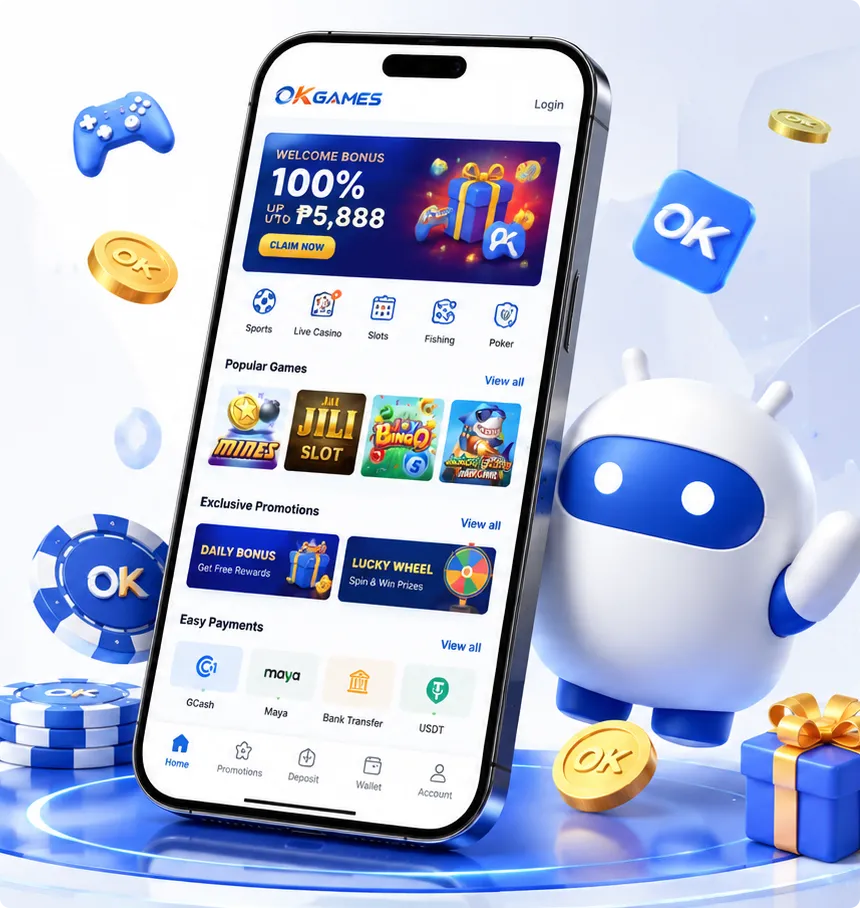
Fast Access
Open the mobile platform without repeatedly searching through your browser.
Mobile Friendly
Built for convenient navigation across supported Android smartphones.
Secure Login
Access your account through a familiar and streamlined login process.
Easy Updates
Install the latest available version when a verified update is released.
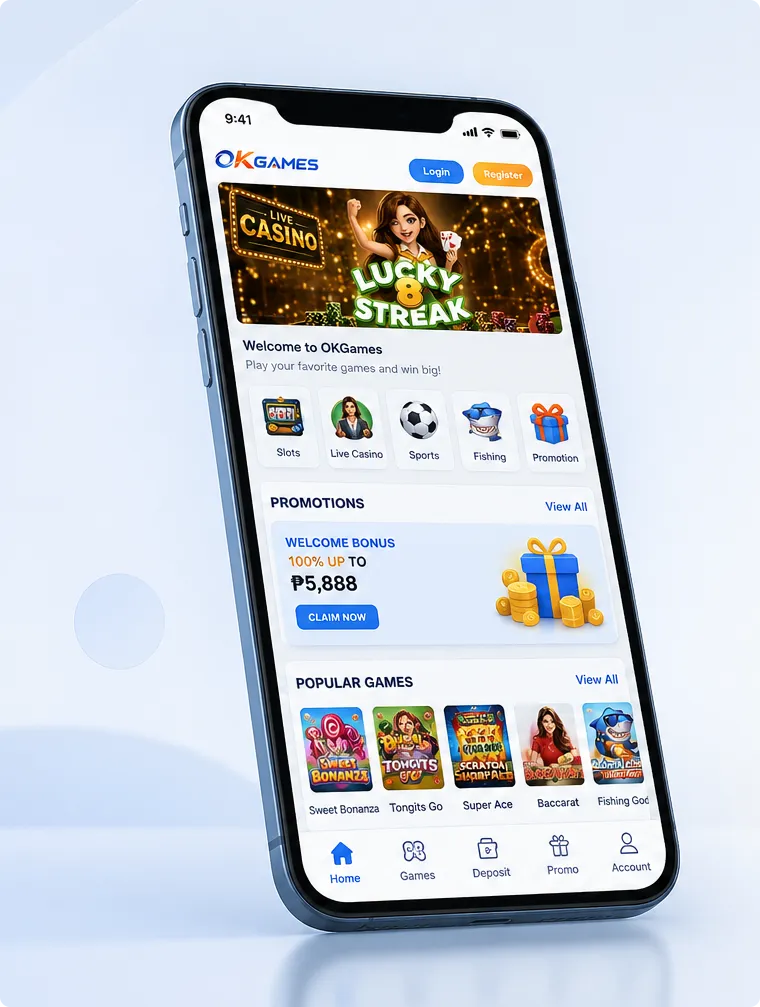
A More Convenient Way to Access OKGames
The OKGames app gives Android users a direct way to open the mobile platform from their home screen. Instead of searching for the website each time, users can launch the installed app and continue through a mobile-optimised interface.
The app is intended to support everyday account access, navigation, promotional viewing and mobile entertainment on compatible devices. Availability, features and version requirements may change when new updates are released.
- Direct access from your Android home screen
- Clear navigation for account and platform sections
- Mobile layout designed for smaller displays
- Update support through the latest verified APK
How to Download and Install the OKGames App
Follow these steps to download the Android APK and complete the installation on a compatible mobile device.
Open the Download Page
Visit the verified OKGames app page using your Android mobile browser.
Download the APK
Tap the APK download button and wait for the file to finish downloading.
Allow Installation
When prompted, allow installation from the browser or file manager used for the download.
Install and Open
Complete the installation, open the app and sign in using your existing account details.
Check Your Device Before Downloading
App performance depends on your operating system, available storage, internet connection and device condition.
Android Phones
APK SupportedThe downloadable APK is designed for compatible Android smartphones and tablets.
- System Android
- Download APK File
- Connection Wi-Fi or Mobile Data
iPhone and iPad
Browser AccessApple users can access the mobile platform through a supported browser when a native iOS app is unavailable.
- System iOS or iPadOS
- Access Mobile Browser
- Shortcut Add to Home Screen
Mobile Browser
No InstallationUsers who prefer not to install an APK can continue using the responsive web version.
- Browser Modern Browser
- Installation Not Required
- Updates Automatic
Why Choose the OKGames Mobile App?
The app brings key platform functions into a compact mobile experience designed for convenient everyday access.
Quicker Launch
Open OKGames directly from your home screen instead of entering the website address each time.
Simple Navigation
Browse major account, game and promotion sections through a layout adapted for mobile use.
Mobile Optimisation
Interface elements are arranged for touch interaction and smaller smartphone displays.
Platform Updates
Keep track of selected announcements, promotions and app version information.
Account Access
Sign in to your account through a familiar mobile login screen and continue to available features.
Flexible Connection
Use a stable Wi-Fi or mobile-data connection depending on your location and network availability.
Explore the OKGames App Interface
Preview the main mobile screens before downloading the app to your Android device.
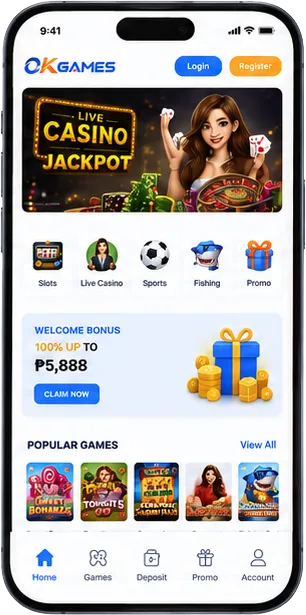
Home Screen
Access main platform sections and featured content.
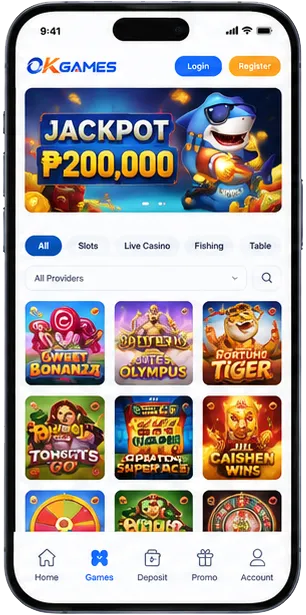
Games Section
Browse available game categories in a mobile layout.
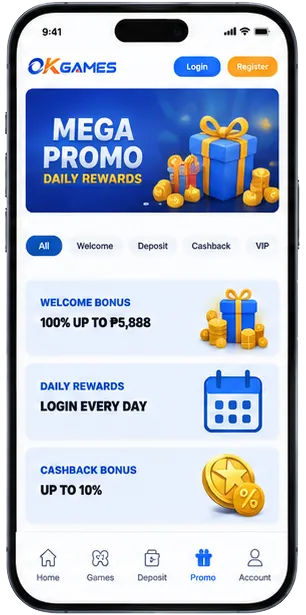
Promotions
Review current offers, rules and eligibility details.
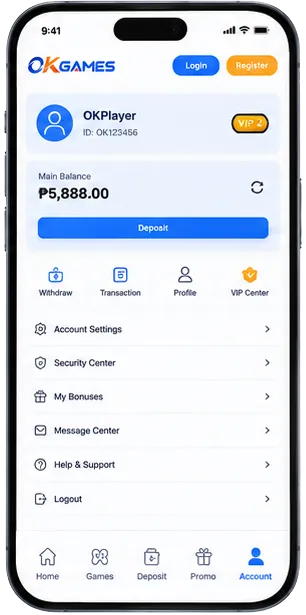
Account Area
View account tools and selected profile information.
Install the OKGames App Carefully
APK files should be downloaded only from a page you trust. Check the address, file name and requested permissions before completing the installation.
- Verify the download page Confirm that you are using the intended OKGames website before downloading any file.
- Review the APK file Check the file name and avoid modified versions from unknown websites or messages.
- Check requested permissions Do not approve permissions that appear unrelated to the app’s basic functions.
- Protect your account details Never share your password, verification code or recovery information with another person.
- Keep your device updated Install system and browser security updates when they become available.
OKGames App Download FAQ
Find answers to common questions about downloading, installing and updating the OKGames mobile app.
Where can I download the OKGames app?
Use the download button on the verified OKGames app page. Avoid APK files shared through unknown websites, messages or unofficial download services.
Is the OKGames app available for Android?
The downloadable APK is intended for compatible Android devices. Your phone must allow APK installation and have enough available storage.
Can I install the APK on an iPhone?
No. Android APK files cannot be installed on iPhones or iPads. Apple users can use the mobile website through a supported browser when no native iOS app is available.
Why does my phone block the installation?
Android may block apps downloaded outside its default app store. Open your security settings and allow installation from the browser or file manager used to download the APK. Disable the permission again after installation when appropriate.
How do I update the OKGames app?
Return to the verified download page, check for the latest version and install the newer APK. In most cases, your existing account information remains unchanged.
Do I need a new account after installing the app?
Existing users can normally sign in with their current account details. New users should complete the registration process before attempting to log in.
What should I do if the APK does not open?
Confirm that the download has finished, check available storage and verify that your Android version supports the app. You can also delete the incomplete file and download it again from the verified page.
Can I use OKGames without installing the app?
Yes. You can continue using the responsive mobile website through a supported browser without downloading or installing an APK.
Ready to Access OKGames on Mobile?
Download the latest verified Android APK, follow the installation steps and open the mobile platform from your home screen.