OKGames Login Guide
Access your OKGames account through the mobile app or website. Follow this simple login guide to enter your details, complete account verification, solve common access problems, and keep your account information protected.
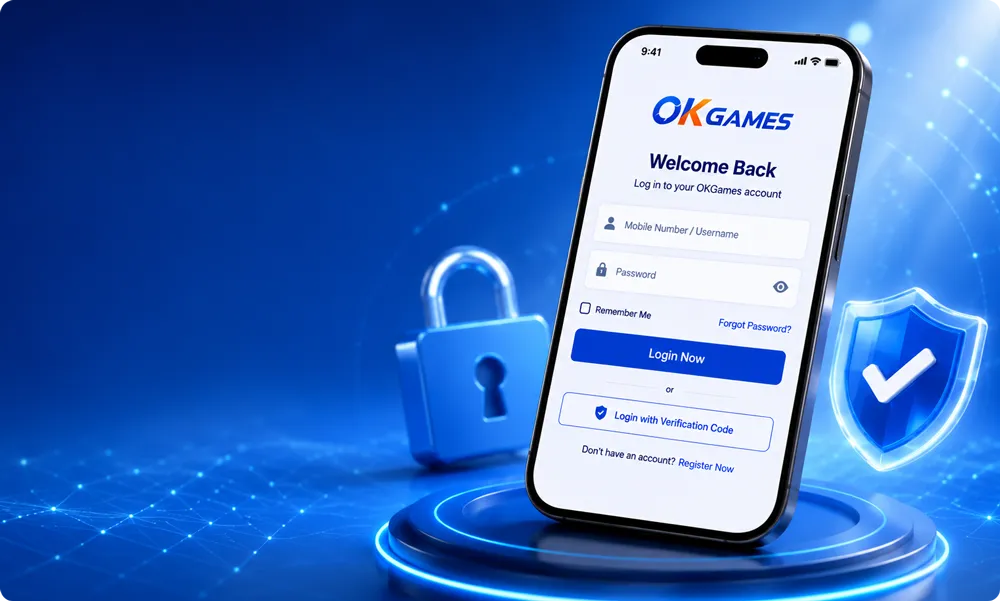
Quick Access
Enter your registered account details and access the main OKGames account area.
Mobile Login
Sign in through a supported mobile browser or the installed OKGames Android app.
Account Verification
Complete any requested verification step before entering your account dashboard.
Secure Access
Protect your password, verification codes, and personal account information.
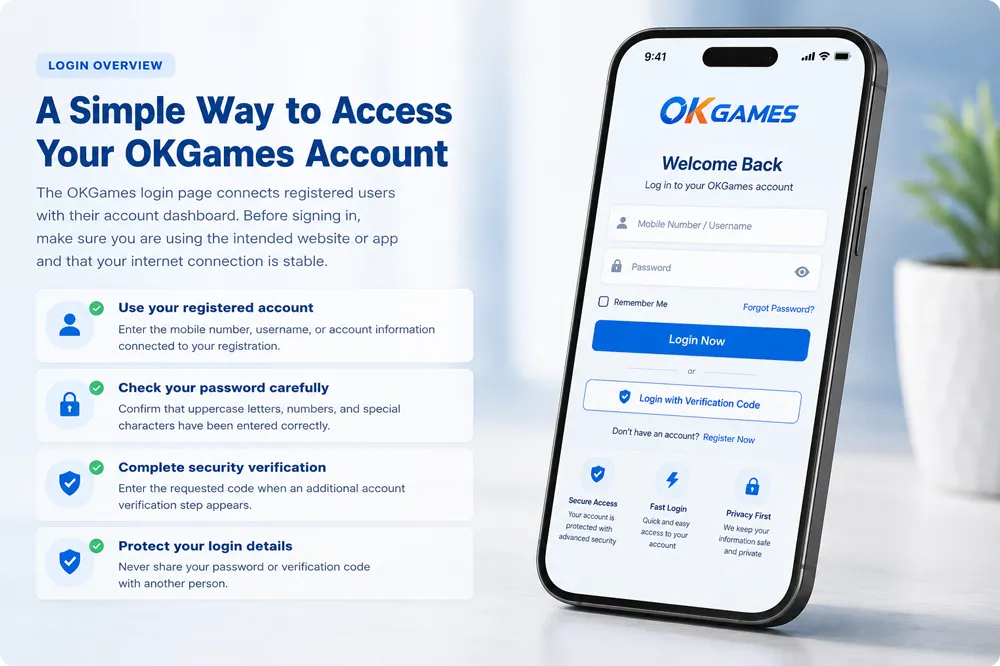
A Simple Way to Access Your OKGames Account
The OKGames login page connects registered users with their account dashboard. Before signing in, make sure you are using the intended website or app and that your internet connection is stable.
- Use your registered account Enter the mobile number, username, or account information connected to your registration.
- Check your password carefully Confirm that uppercase letters, numbers, and special characters have been entered correctly.
- Complete security verification Enter the requested code when an additional account verification step appears.
- Protect your login details Never share your password or verification code with another person.
OKGames Login Methods
Choose the access method that matches your device and complete any required verification before continuing.
Mobile Login
Open OKGames on your mobile device and enter your registered account details on the login screen.
Browser Login
Visit the OKGames website through a supported browser and select the login option in the main navigation.
Account Verification
Confirm your identity using the verification method connected to your registered account.
Secure Access
Sign in through a private device and avoid entering account details on unknown or shared networks.
How to Log In to OKGames
Follow these five steps to access your registered OKGames account from a mobile device or browser.
Open OKGames
Open the OKGames website or launch the installed mobile application.
Select Login
Find and select the Login button displayed in the main account area.
Enter Your Account
Type the mobile number, username, or other registered account information.
Enter Your Password
Carefully enter your password and check that every character is correct.
Complete Verification
Enter the requested security code and continue to your account dashboard.
Tips for a Smoother Login Experience
A few simple checks can help reduce account access problems and improve login security.
Use the Intended Website
Check the page address before entering your username, password, or verification code.
Keep Your Password Private
Do not send your password through messages, comments, or unofficial support channels.
Secure Your Device
Use a screen lock, updated browser, and reliable device security settings.
Keep the App Updated
Use a current version of the OKGames app to reduce compatibility and access issues.
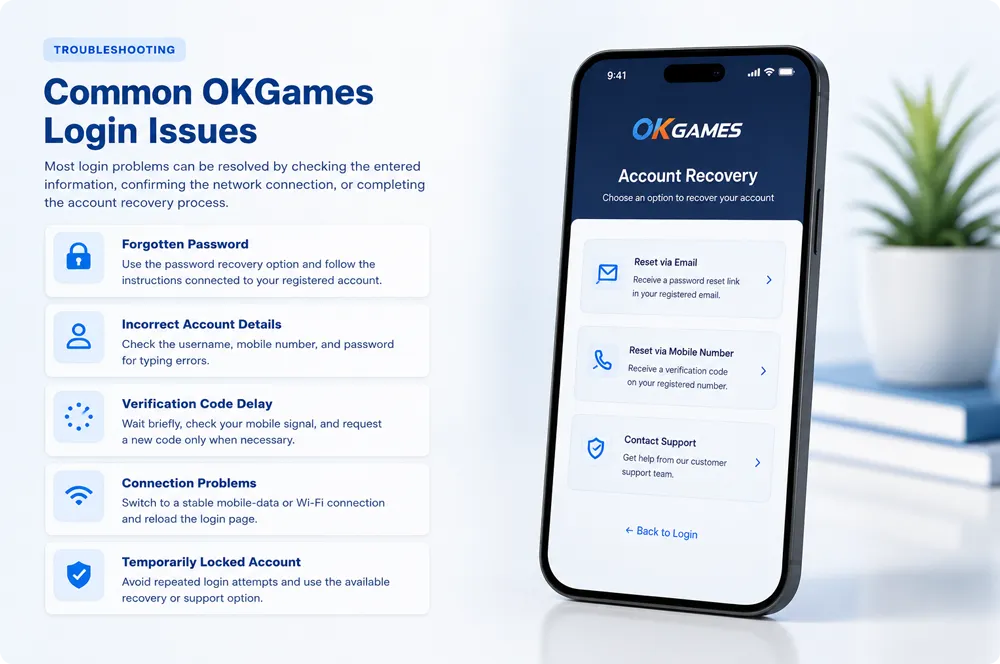
Common OKGames Login Issues
Most login problems can be resolved by checking the entered information, confirming the network connection, or completing the account recovery process.
- Forgotten Password Use the password recovery option and follow the instructions connected to your registered account.
- Incorrect Account Details Check the username, mobile number, and password for typing errors.
- Verification Code Delay Wait briefly, check your mobile signal, and request a new code only when necessary.
- Connection Problems Switch to a stable mobile-data or Wi-Fi connection and reload the login page.
- Temporarily Locked Account Avoid repeated login attempts and use the available recovery or support option.
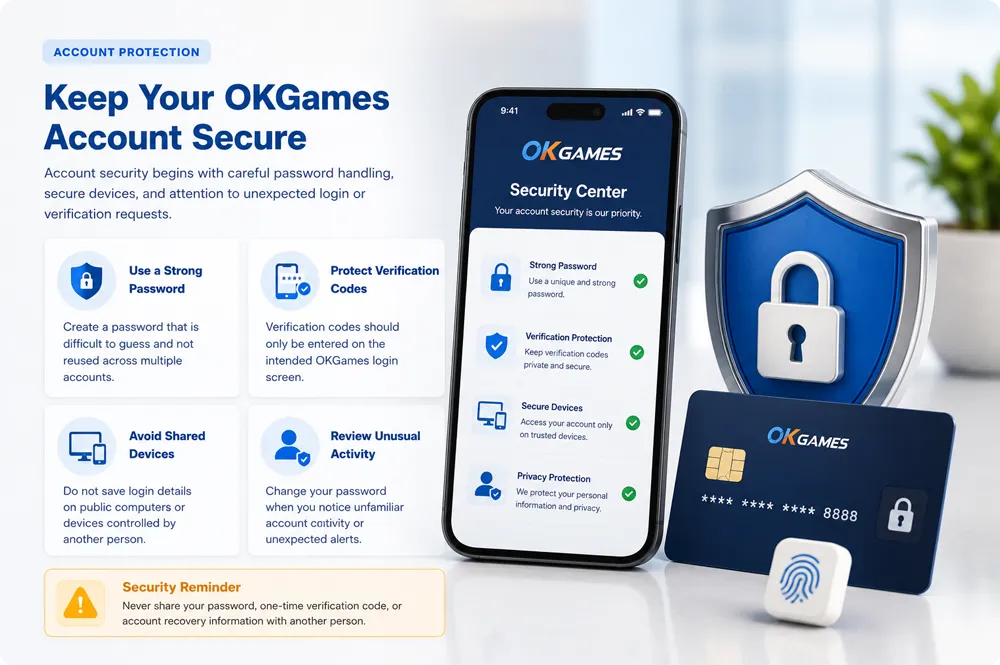
Keep Your OKGames Account Secure
Account security begins with careful password handling, secure devices, and attention to unexpected login or verification requests.
Never share your password, one-time verification code, or account recovery information with another person.
Frequently Asked Questions
Find answers to common questions about account access, password recovery, verification, and login security.
How do I log in to my OKGames account?
Open the OKGames website or mobile app, select the Login option, enter your registered account details and password, and complete any requested verification.
What should I do if I forget my password?
Select the password recovery option on the login screen and follow the instructions connected to your registered mobile number or account information.
Why have I not received a verification code?
Check your mobile signal, confirm that the registered number is correct, wait briefly, and request another code only after the previous request has expired.
Can I log in to OKGames on more than one device?
Account access may be available on supported devices, but additional verification may be required when a new device or browser is detected.
Is it safe to save my login details?
Saving login details is not recommended on shared or public devices. Only use this option on a private, secured device that you control.
How can I keep my OKGames account secure?
Use a unique password, protect verification codes, keep your device updated, avoid unknown links, and review any unexpected account activity.
Ready to Access Your OKGames Account?
Open the login page to enter your registered account, or review the app guide before accessing OKGames on Android.